About the CHAMURO Counter
The **CHAMURO Counter** is a dedicated **one-to-one chat room** designed for customer support and consultation.
What is CHAMURO?
CHAMURO is a real-time chat service provided by **Soso Inc.**
It enables various types of communication such as business consultations, customer support, and casual conversations.
Counter Overview
CHAMURO provides a special chat room called a **Counter** for customer support. It is designed for handling **one-to-one conversations with an unspecified number of customers**.
You can manage inquiries, reservations, and customer communication in one centralized place.
It also works as a platform where people using the CHAMURO service can discover your business or services and connect with you.
How to Create a Counter Room
Log in using your **Google account**.
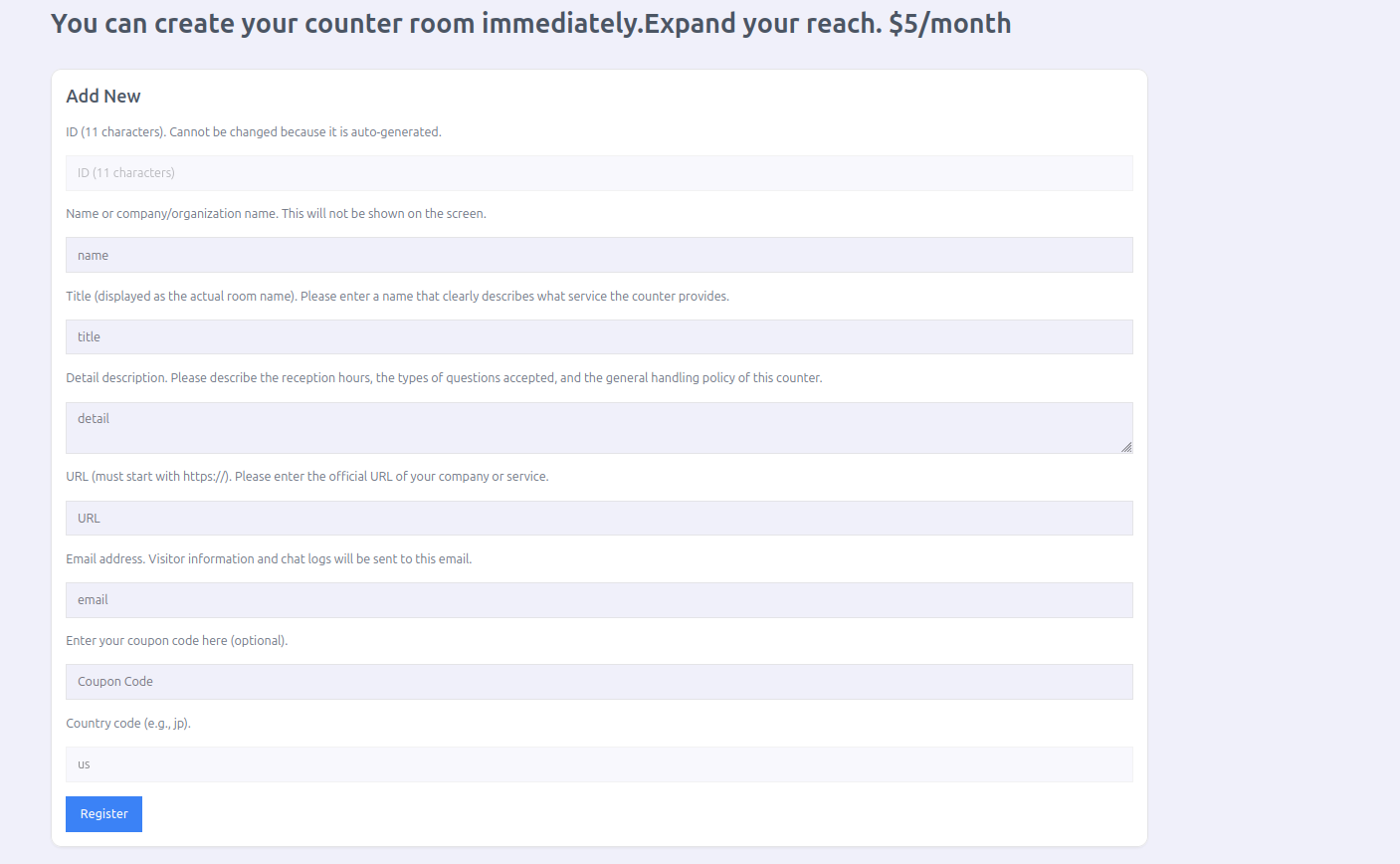
This may provide benefits such as discounted service fees.
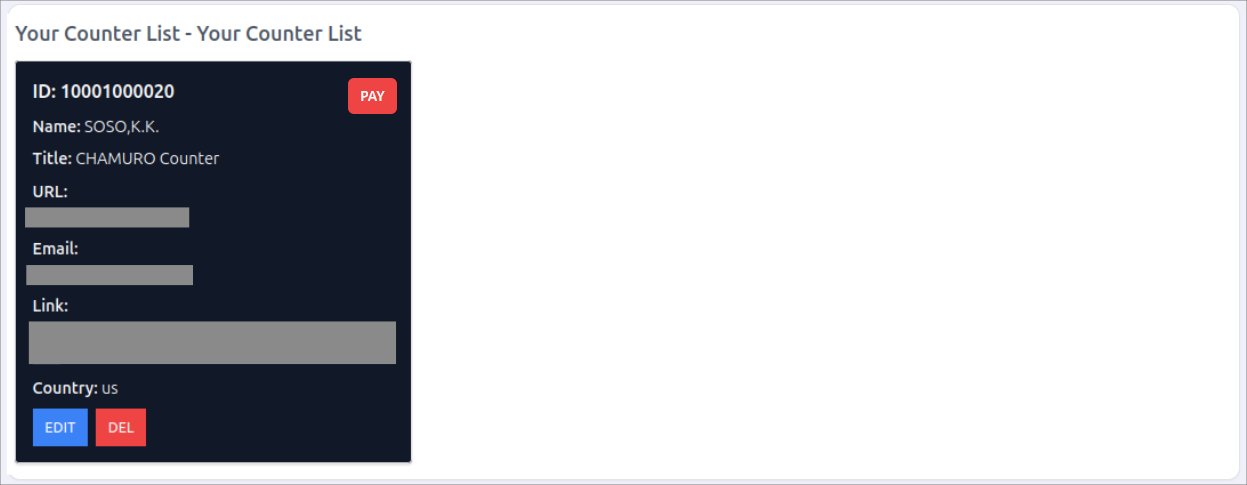
The **Your Counter List** section displays all counter rooms you have created.
Sharing a Counter Room
You can share your counter with other staff members.
In **Share Management**, enter the email address of the person you want to share the counter with and click the **Share** button. The invited user will gain the same permissions and can respond to customers.
This is useful for assigning staff members or employees to handle inquiries.

Shared users can respond to customers with the same privileges.
The **Share List** shows all accounts that have access to the counter room.

Checking Active Requests
The **Active List** displays counter rooms where customers are currently present. You or your shared staff members can respond to the inquiries. Desktop notifications help ensure that no customer request is missed.
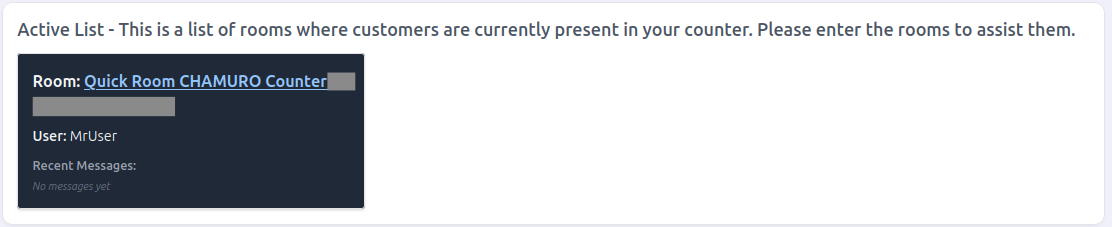
Notifications help you respond to inquiries without missing any requests.
Would you like to try CHAMURO?
Start providing online customer support in minutes.
Visit CHAMURO Official Site